Record the meeting.
Get the minutes.
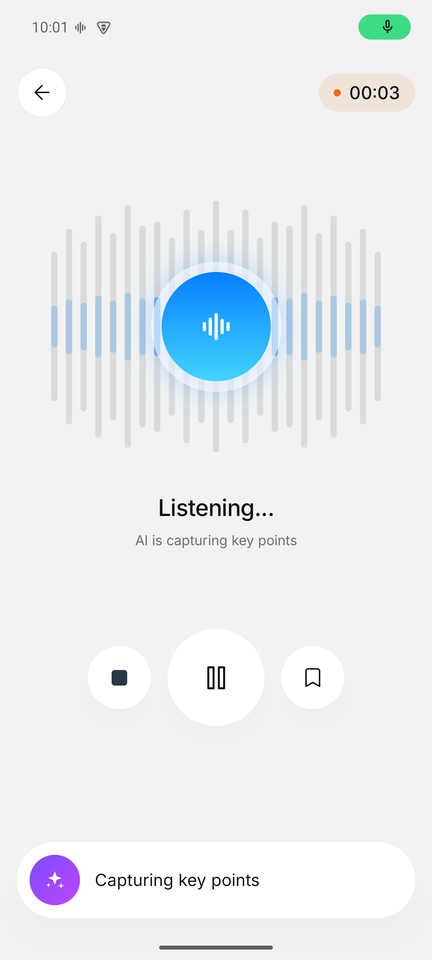
Tap once to record, or share any audio file. Minutes after you stop you have formal minutes of the meeting, a seven part summary and a searchable transcript.
Download for Android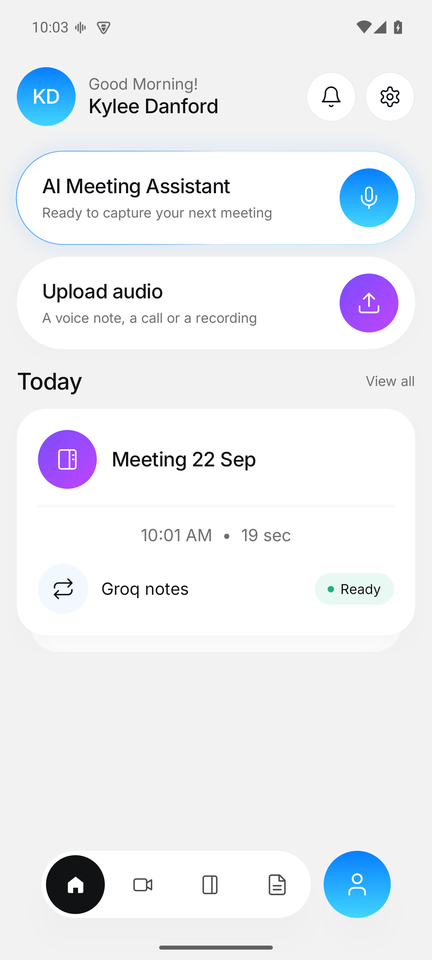
Everything a meeting leaves behind
Three outputs for every recording, written so you can act without listening again.
Record or upload
Record in the room or on speaker phone. Or share a voice note, a call recording or a Zoom export straight into the app.
Minutes and summary
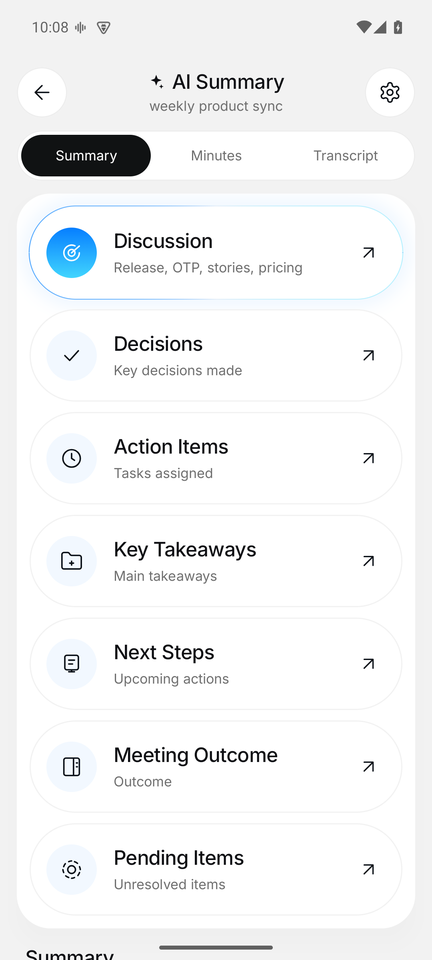
Attendees, agenda, decisions, action items with owners and due dates, next steps and open questions. Nothing invented.
Private by design
Audio leaves your phone only to be transcribed and is deleted right after. Notes stay on your device. No account needed.
How it works
No setup. Open the app and tap the mic.
The seven part summary
Every meeting comes back in the same shape, so you always know where to look.
Plans
Start free. Pro is switched on for your device on request from inside the app.
Free
For trying it on real meetings.
- 120 minutes of audio a month
- Files up to 60 minutes
- Fast transcript and notes
- Text and Markdown export
Pro by request
For people who live in meetings.
- 1,200 minutes of audio a month
- Files up to 4 hours
- Notes written by Claude, with a best quality option
- Rewrite any meeting with another engine
Installing the APK
- Tap Download for Android above and open the file when it finishes.
- If Android asks, allow your browser to install apps from this source. That prompt appears once.
- Open Orbenta Noter, allow the microphone, and record your first meeting.